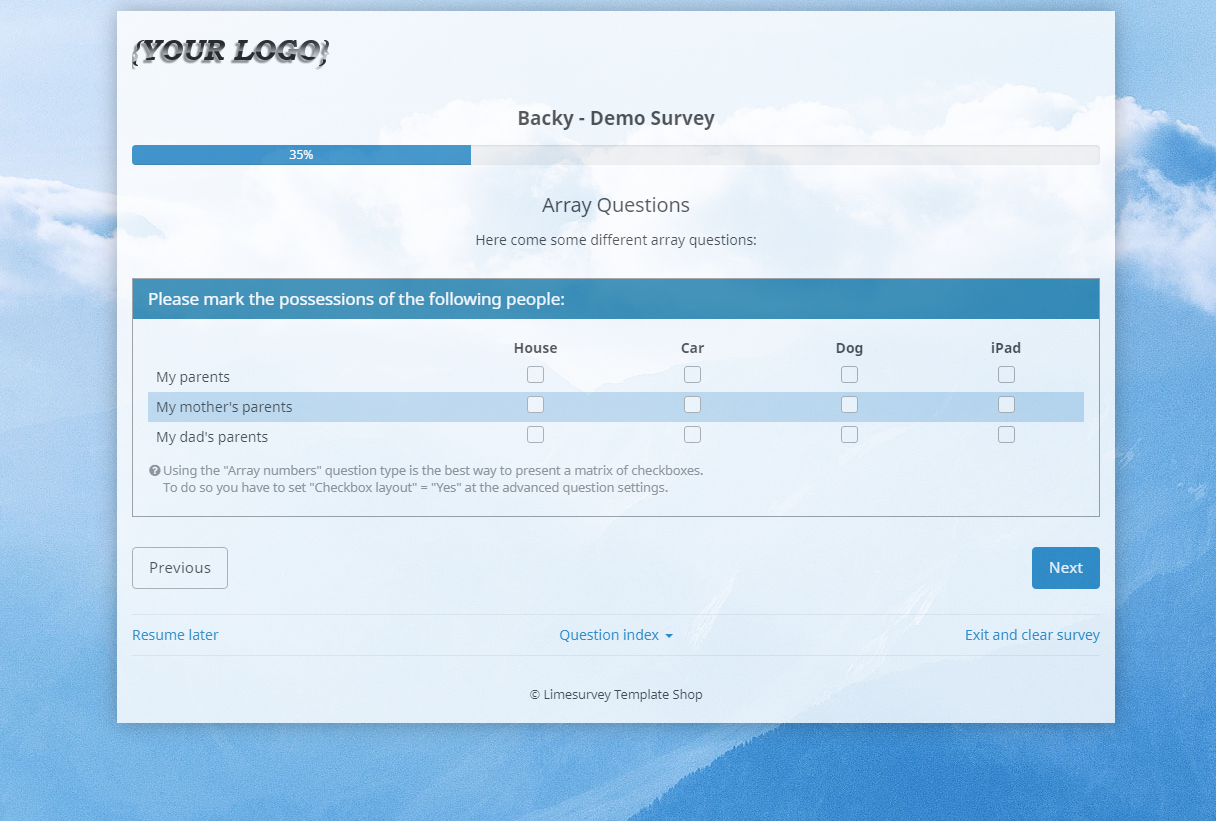
Here is how you can add a couple of options to your custom theme to show the survey name in those locations.
Create new template options:
1) Copy the contents of
/themes/survey/bootswatch/options/ to
/upload/themes/survey/yourThemeName/options/.
2) In
/upload/themes/survey/yourThemeName/options/options.twig, find "{# Bootstrap Bootswatch theme #}" and directly before its parent <div class='row'> element, add this:
Code:
{# Custom survey name in navbar #}
<div class='row'>
<div class='col-sm-12 col-md-6'>
<div class='form-group row'>
<label for='simple_edit_options_surveyname1' class='control-label'>Survey name in navbar</label>
<div class='col-sm-12'>
<div class="btn-group" data-bs-toggle="buttons">
<label class="btn btn-default">
<input name='surveyname1' type='radio' value='on' class='selector_option_radio_field ' data-id='simple_edit_options_surveyname1'/>
Yes
</label>
<label class="btn btn-default">
<input name='surveyname1' type='radio' value='off' class='selector_option_radio_field ' data-id='simple_edit_options_surveyname1'/>
No
</label>
</div>
</div>
</div>
</div>
</div>
<div class='row'>
<hr/>
</div>
{# Custom survey name below progress bar #}
<div class='row'>
<div class='col-sm-12 col-md-6'>
<div class='form-group row'>
<label for='simple_edit_options_surveyname2' class='control-label'>Survey name below progress bar</label>
<div class='col-sm-12'>
<div class="btn-group" data-bs-toggle="buttons">
<label class="btn btn-default">
<input name='surveyname2' type='radio' value='on' class='selector_option_radio_field ' data-id='simple_edit_options_surveyname2'/>
Yes
</label>
<label class="btn btn-default">
<input name='surveyname2' type='radio' value='off' class='selector_option_radio_field ' data-id='simple_edit_options_surveyname2'/>
No
</label>
</div>
</div>
</div>
</div>
</div>
<div class='row'>
<hr/>
</div>
3) In
/upload/themes/survey/yourThemeName/config.xml, add two items to the "options" block so it looks like this:
Code:
<options>
<ajaxmode>on</ajaxmode>
<brandlogo>on</brandlogo>
<brandlogofile>./files/logo.png</brandlogofile>
<container>on</container>
<surveyname1>on</surveyname1>
<surveyname2>on</surveyname2>
</options>
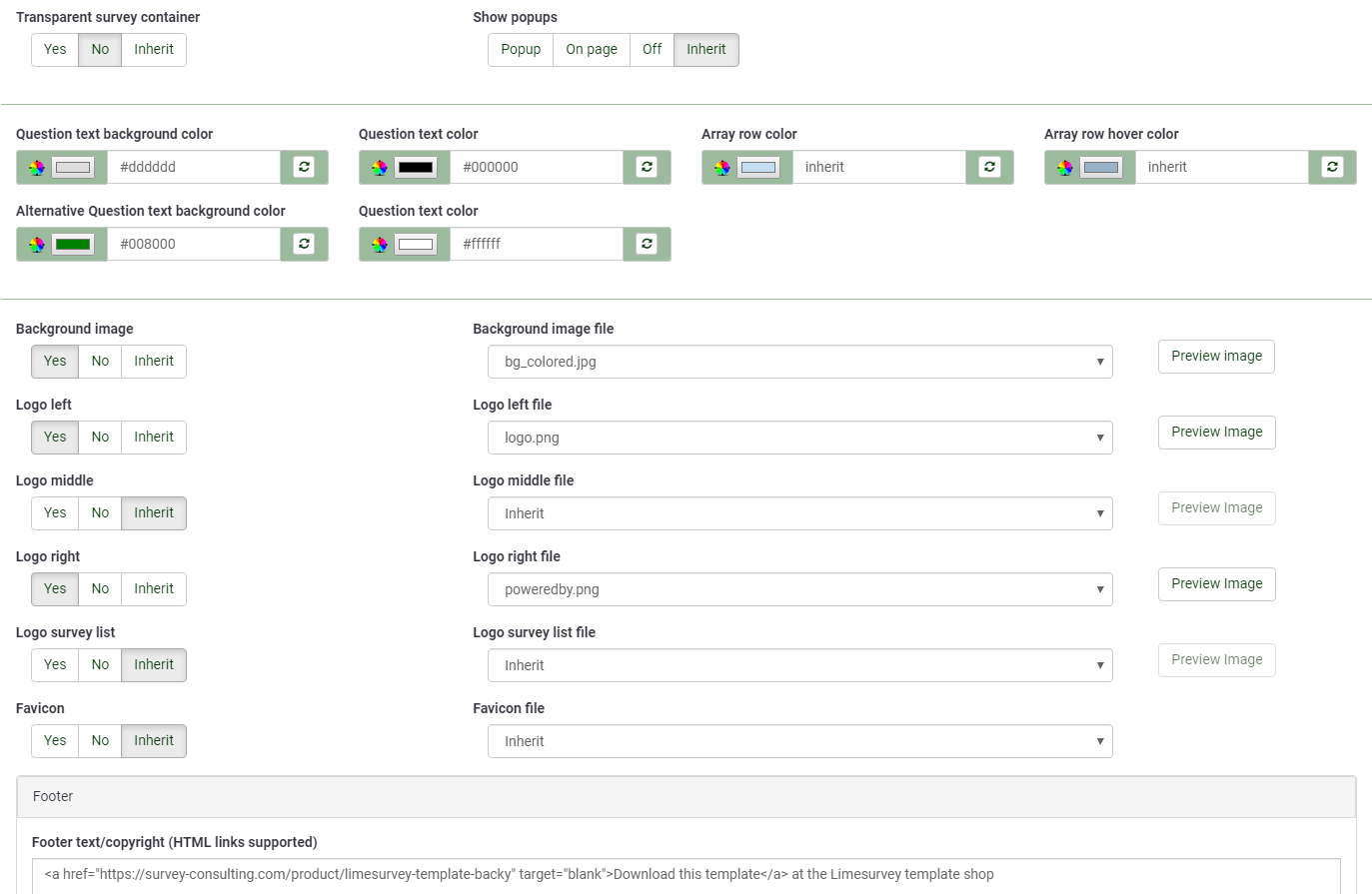
4) This should give you two new options in the Theme Options screen.
Survey Name in the navbar:
1) Create a new directory
/upload/themes/survey/yourThemeName/views/subviews/header/.
2) Copy
/themes/survey/vanilla/views/subviews/header/nav_bar.twig to that new directory.
3) In the local copy of
nav_bar.twig, find "{# Logo option #}" and under that, modify the IF statement for the logo/survey-name, so it looks like this:
Code:
{# Logo option #}
{% if( aSurveyInfo.options.brandlogo == "on") %}
<div class="{{ aSurveyInfo.class.navbarbrand }} logo-container" {{ aSurveyInfo.attr.navbarbrand }} >
{{ image(aSurveyInfo.options.brandlogofile, aSurveyInfo.name, {"class": "logo img-responsive"}) }}
</div>
{% endif %}
{% if( aSurveyInfo.options.surveyname1 == "on") %}
<div class="{{ aSurveyInfo.class.navbarbrand }}" {{ aSurveyInfo.attr.navbarbrand }} >
{{ aSurveyInfo.name }}
</div>
{% endif %}
4) Add something like this to
/upload/themes/survey/yourThemeName/css/custom.css:
Code:
.navbar-brand {
line-height: 60px;
font-size: 32px;
}
5) Toggle the "Survey name in navbar" theme option to "Yes"
6) You should see this:
Survey Name under progress bar:
1) Create a new directory
/upload/themes/survey/yourThemeName/views/subviews/survey/group_subviews.
2) Copy
/themes/survey/vanilla/views/subviews/survey/group_subviews/group_container.twig to that new directory.
3) In the local copy of
group_container.twig, add an <h1> element for the survey name. So, it looks like this:
Code:
<div class="{{ aSurveyInfo.class.groupcontainer }} space-col" {{ aSurveyInfo.attr.groupcontainer }}>
{# Custom survey name #}
{% if( aSurveyInfo.options.surveyname2 == "on") %}
<h1 class="custom-survey-name">{{ aSurveyInfo.name }}</h1>
{% endif %}
{# Group Name #}
{{ include('./subviews/survey/group_subviews/group_name.twig') }}
{# Group Description #}
{{ include('./subviews/survey/group_subviews/group_desc.twig') }}
{#
PRESENT THE QUESTIONS
This is the main part. It will render each question for this group
#}
<!-- PRESENT THE QUESTIONS -->
{% for aQuestion in aGroup.aQuestions %}
{{ include('./subviews/survey/question_container.twig') }}
{% endfor %}
<!-- Hidden inputs -->
{% if aGroup.show_last_group == true %}
<input type='hidden' name='lastgroup' value='{{ aGroup.lastgroup }}' id='lastgroup' />
{% endif %}
{% if aGroup.show_last_answer == true %}
<input type='hidden' name='lastanswer' value='{{ aGroup.lastanswer }}' id='lastanswer' />
{% endif %}
</div>
4) Add something like this to
/upload/themes/survey/yourThemeName/css/custom.css:
Code:
.navbar-brand {
line-height: 60ph1.custom-survey-name {
margin: 0;
text-align: center;
}
5) Toggle the "Survey name below progress bar" theme option to "Yes"
6) You should see this:
Attached is a custom theme with these modifications: